The Cyborg Session: Reversing & Detecting Claude AI Agent Chrome Extension
Yosi Winreb
Threat Intelligence
February 18, 2026
The Shift to Local Execution
Until recently, “Computer Use Agents” (CUAs) were predominantly server-side operations, sandboxed in Virtual Machines within datacenters. While safer in theory, this approach introduced significant friction:
- Detection: Datacenter traffic (DCH) is notoriously noisy. Attempts to legitimize this traffic via cryptographic attestation (like HTTP Message Signatures or Web Bot Auth) is evolving but most websites, unable to reliably distinguish ”verified” agents from malicious scrapers in these environments, simply defaulted to blocking them entirely.
- Authentication: Users were hesitant to hand over credentials to browsers and machines running on external infrastructure.
- Cost: Operating high-availability VMs for every user session is resource-intensive.
Consequently, the industry is pivoting toward Local Web Agents that run directly on the user’s machine, leveraging the user’s legitimate IP, cookies, and active session.
The Adoption Gap: Extensions vs. Custom Browsers
The local agent market has been divided into two approaches: Custom AI Browsers (like Comet by Perplexity or Atlas by OpenAI) and Browser Extensions (like Manus or Claude).
While custom browsers offer deep integration, they suffer from friction – users rarely want to switch their daily driver. Furthermore, platform limitations hinder adoption; for example, Atlas is currently Mac-only, with no clear timeline for a Windows release.
Extensions, however, are plug-and-play. We can see this traction clearly on the Chrome Web Store: the Claude Chrome Extension sits at roughly 500k users, while Manus has quickly reached 100k (as of Jan 2026). While we cannot verify the user bases of custom browsers like Atlas or Comet, the visibility and volume of extension installs suggest a strong preference for augmenting an existing browser over the friction of replacing it entirely.
The Insight: The “Hybrid” Session
This shift introduces a new paradigm for bot detection. The binary distinction of “Bot vs. Human” is obsolete.
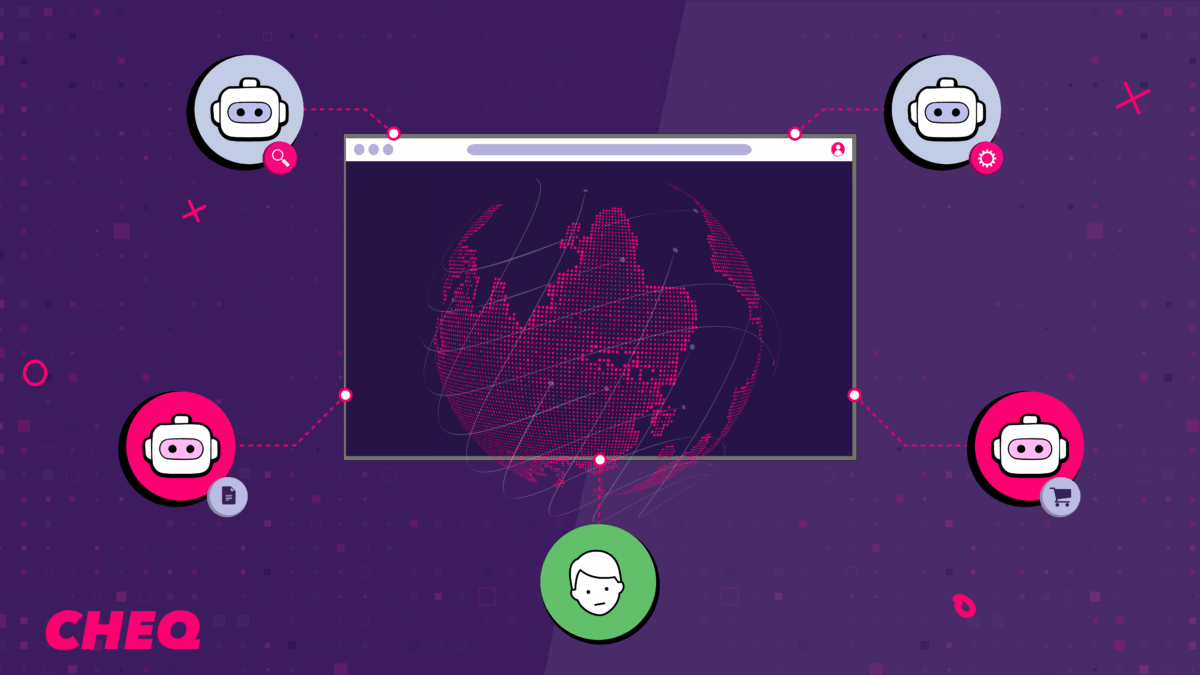
We are now seeing Hybrid Sessions: a legitimate user logs in (Human), navigates to a page (Human), and then triggers an agent to perform a specific task (Bot). The session ID and IP remain constant, but the entity controlling the inputs toggles between human and machine.
While our research team actively tracks and analyzes the entire ecosystem of local agents, we will zoom in on the Claude extension as our primary case study.
To properly attribute traffic and secure applications, we need to distinguish these cases. We’ll need to focus on the following challenges:
- Is it installed?
- Is it running right now?
- Did it run previously in this session?
Architecture: In-Browser CDP & Native Messaging
To understand how to detect Claude, we must first understand its privileges. Unlike standard extensions that rely solely on high-level DOM APIs, Claude operates closer to the metal.
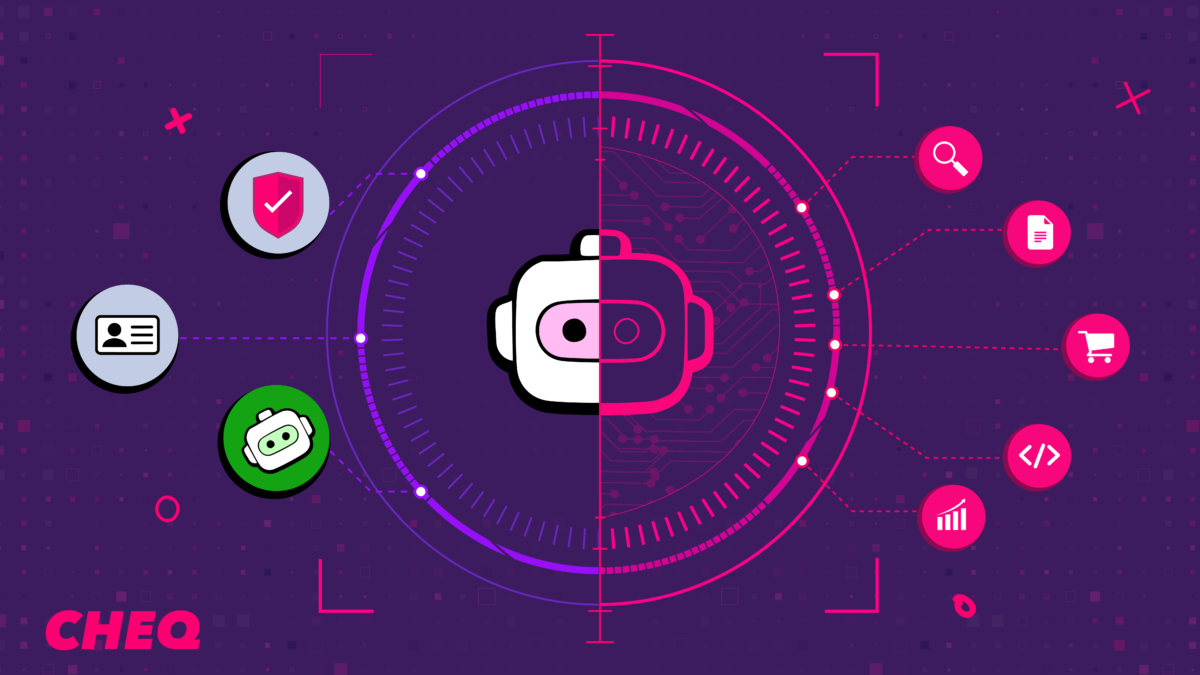
According to its documentation and permission requests, the extension leverages the chrome.debugger API. This grants it direct access to the Chrome DevTools Protocol (CDP) – the same interface developers use to debug applications. Through CDP, the agent can:
- Bypass standard sandbox limits: It can synthesize “trusted” user events (clicks, keystrokes) that are indistinguishable from human hardware input.
- Read low-level signals: It gains visibility into network requests, console logs, and the raw accessibility tree.
- Execute arbitrary code: It can inject and run JavaScript within the context of any open page to manipulate the state directly.
Crucially, the architecture is not self-contained within the browser. The extension utilizes nativeMessaging to establish a bidirectional pipe with the local Claude Desktop or CLI agent. This means the “brain” often lives outside the browser process, sending CDP commands into the extension to drive the session while sharing the user’s authenticated state (cookies and local storage).
This architecture effectively turns the browser into a “headful” automation driver – powerful for the user, but highly visible if you know where to look.
1. Detection: Is the Extension Installed?
Detecting whether a specific extension is installed is not trivial. Modern browsers generally block websites from enumerating installed extensions to prevent fingerprinting, meaning there is no simple JavaScript API we can call to get a list of user’s extensions.
Instead, we must rely on side-channels – specifically, analyzing the extension’s manifest.json for “Web Accessible Resources.” These are specific files that the extension explicitly permits for external access by web pages.
We identified a specific script resource related to the accessibility tree.
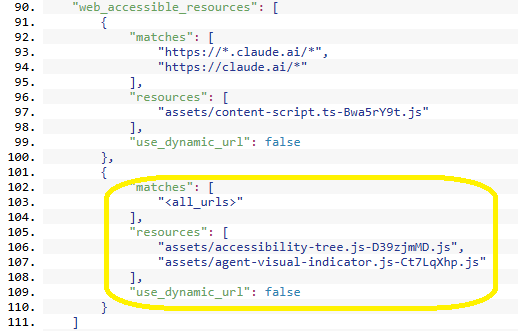 While a standard approach might involve loading the script via a <script> tag and listening for onload events, this is risky – it forces the execution of third-party code within your application context, potentially causing unwanted side effects..
A safer method is to use the fetch API. We attempt to retrieve the resource; if the promise resolves, the file exists (extension installed). If it rejects, the extension is absent.
JavaScript

function isClaudeExtensionInstalled() {
  const extId = "fcoeoabgfenejglbffodgkkbkcdhcgfn";
  // Note: The hash 'D39zjmMD' is subject to change in future versions
  const asset = `chrome-extension://${extId}/assets/accessibility-tree.js-D39zjmMD.js`;
  return fetch(asset)
    .then(res => res.ok)
    .catch(() => false);
}
// Usage
isClaudeExtensionInstalled().then(installed => {
  console.log("Claude extension installed:", installed);
});
2. Detection: Is the Agent Active?
Installation doesn’t imply usage. To detect active control, we looked for DOM modifications.
When Claude takes the wheel, it injects a specific UI overlay – a “Stop” button – that acts as a kill-switch for the user. To render this interface, the extension appends a container element (id=”claude-agent-stop-container”) directly to the document body, accompanied by a dedicated style block (id=”claude-agent-animation-styles”) to handle its transitions.
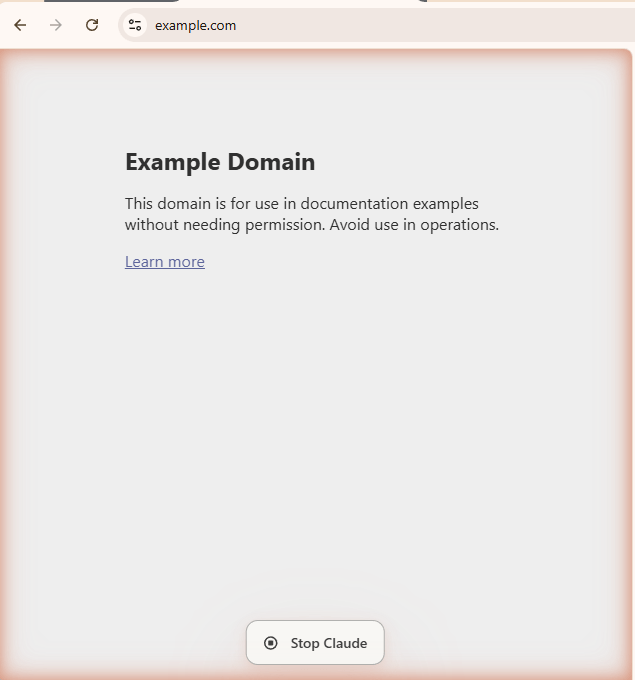
Visualizing this in the Chrome DevTools, we can clearly see the agent’s footprint injected directly into the page structure:

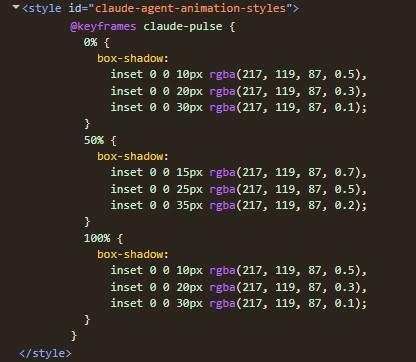
While we could simply check for these elements on demand, a more appropriate approach involves monitoring the DOM in real-time. By using a MutationObserver, we can detect the exact moment the agent takes control (injection) and when it relinquishes it (removal).
JavaScript
// Monitor the DOM for the agent's "Stop" button appearing or disappearing
const observer = new MutationObserver((mutations) => {
   mutations.forEach((mutation) => {
     // Detect Agent Start
     mutation.addedNodes.forEach((node) => {
       if (node.id === 'claude-agent-stop-container') {
             console.log('Claude Agent started running.');
       }
    });
    // Detect Agent Stop
    mutation.removedNodes.forEach((node) => {
        if (node.id === 'claude-agent-stop-container') {
          console.log('Claude Agent stopped.');
       }
    });
  });
});
// Start observing the body for direct children changes
observer.observe(document.body, { childList: true });
3. Detection: Forensic Evidence
Once the agent completes its task, the “Stop” button (the container) is removed from the DOM. However, the extension does not clean up perfectly.
The style element (claude-agent-animation-styles) typically persists even after the agent becomes idle. This artifact allows us to flag sessions where the agent was used, even if it is currently dormant.
function hasClaudeAgentRun() {

    return !!document.getElementById('claude-agent-animation-styles');

}
> Dev Note: While we use specific IDs here for clarity, a production-grade detection rule should ideally use wildcard selectors (e.g., [id^=”claude-agent-“] css selector) to remain robust against minor naming changes in future extension updates.
Conclusion
The concept of the ‘Hybrid Session’ is beginning to take shape. It is becoming harder to assume a session is strictly binary; legitimate user sessions now have the capability to seamlessly integrate automated tasks.
By analyzing the footprint of these local agents – specifically web-accessible resources and persistent DOM artifacts – we can better attribute activity, distinguishing between a user browsing and an agent executing. As these tools become more accessible, identifying the source of an input will be a necessary step for precise analytics and security.

Author
Yosi Winreb
Director Research & Innovation