Your site has a new audience. CHEQ Manage lets you see it.
Jamie Vinkle
Bot & AI Agent Trust Management
October 07, 2026
Clear visibility into what AI traffic is visiting your site, and how often.
Think about who visits your site on a normal day. Customers comparing options. Prospects reading a pricing page. Someone who found a blog post through search.
Now think about who you can’t see.
A growing share of the requests hitting your site no longer come from people. Some come from AI crawlers, reading your pages to train the next model. Others come from AI assistants, fetching a page because a real person just asked them a question. Both are already arriving at scale, and for most teams, almost all of it goes unseen.
The questions nobody can answer yet
Sooner or later, someone asks. Legal wants to know which AI companies are using your content. Marketing wants to know whether AI assistants are putting your pages in front of real buyers. Leadership wants to know if any of this is growing, and how fast.
Most teams answer with a guess. The traffic is either invisible, or it’s lumped into one generic “bot” bucket with everything else that isn’t human.
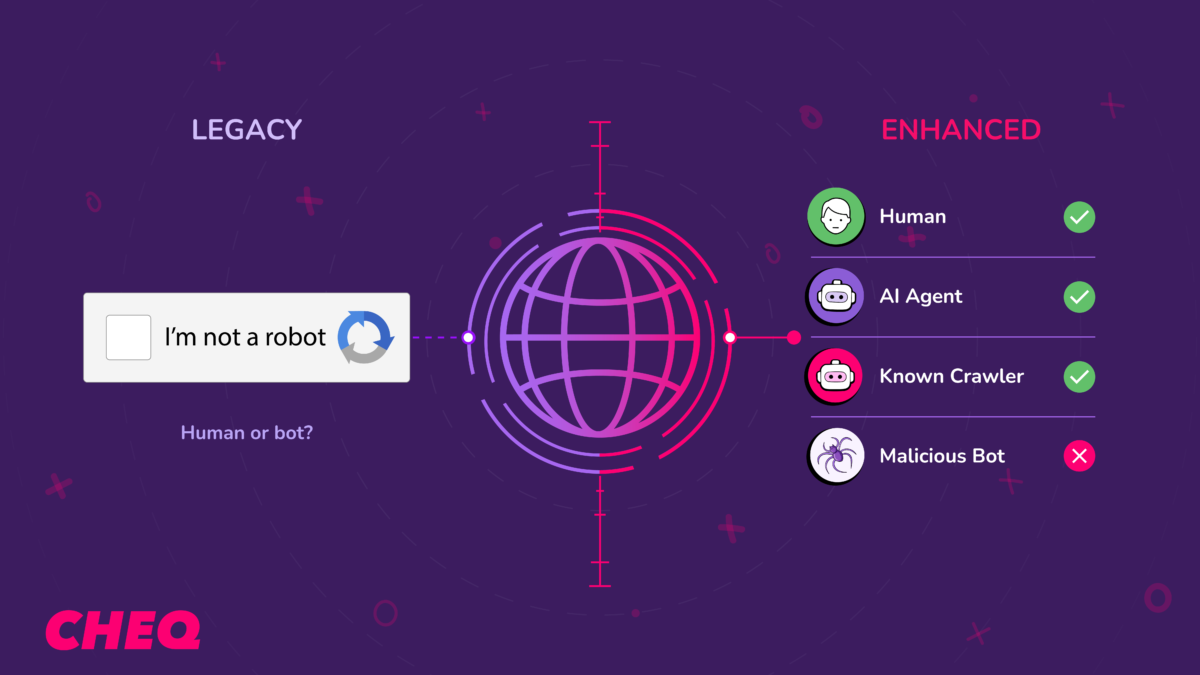
That’s a problem, because not all AI traffic is the same. A training crawler is consuming your content to build a model. An assistant fetch is retrieving your page because a person asked about it. Same category of traffic, very different implications for your business. You can’t make a good decision about either one if you can’t tell them apart.
Introducing the AI Traffic Report
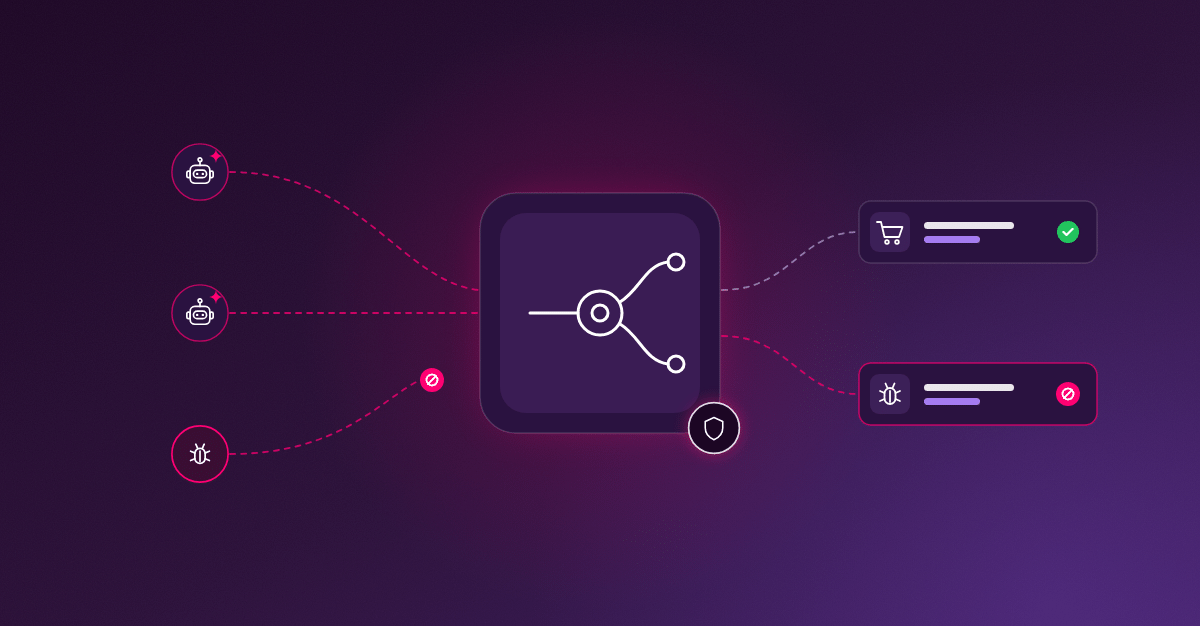
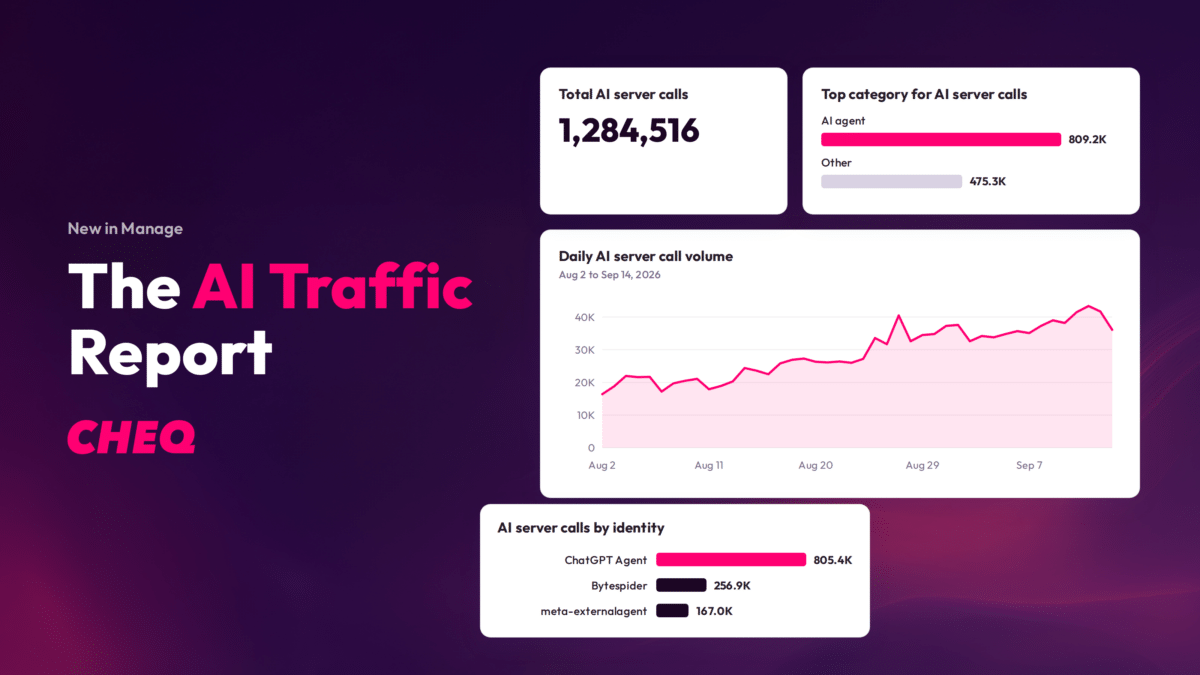
The AI Traffic Report in CHEQ Manage makes that traffic visible, and it’s available now at no additional cost in every Manage account. It identifies AI-driven server calls, attributes each one to a vendor and the specific agent or crawler behind it, and shows you the volume over time, by publish path and by URL.
In practice, it answers three questions.
Entity: See how much of your traffic is AI
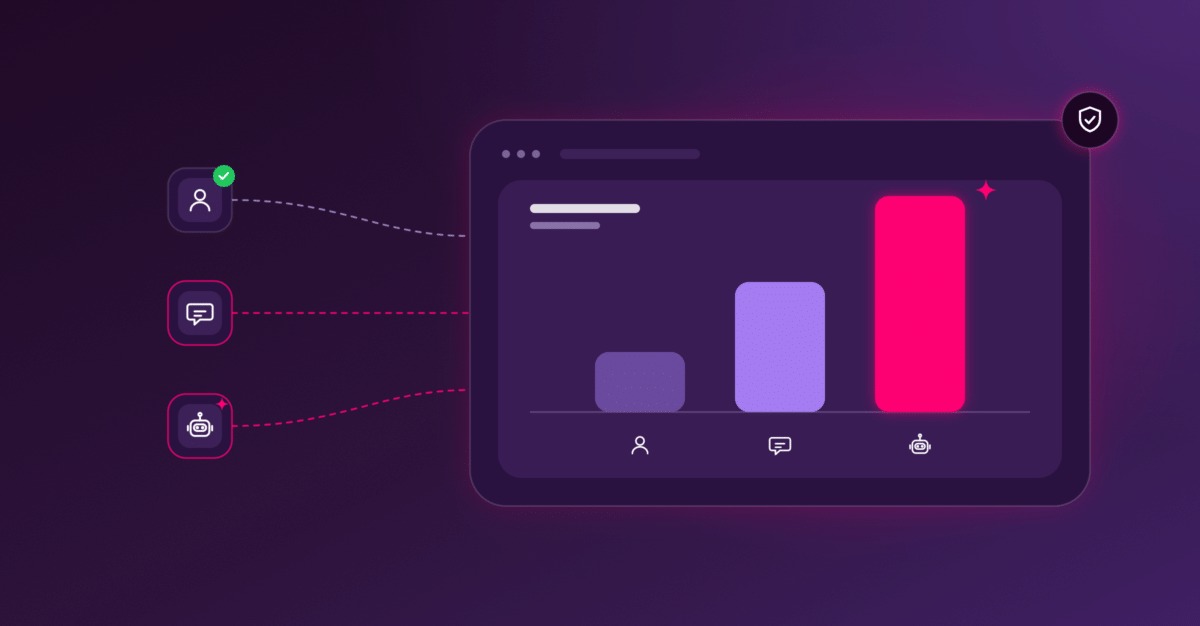
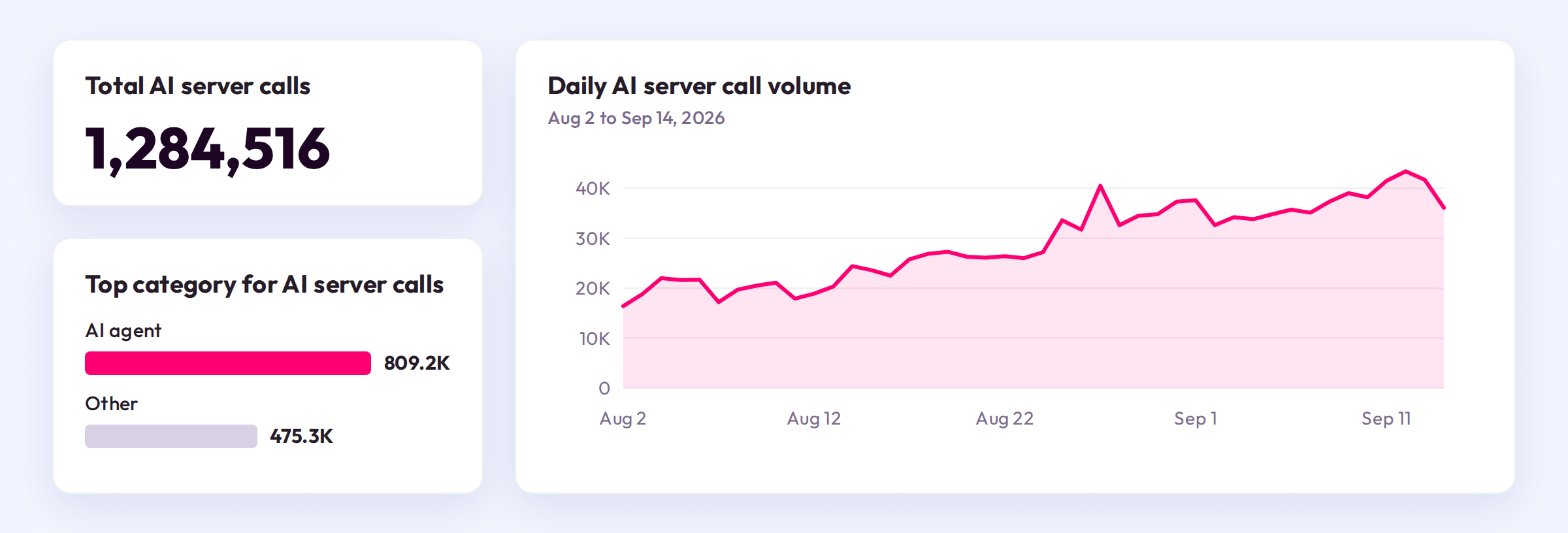
The report identifies AI-driven server calls and charts daily volume across the date range you choose. A steady baseline and a sharp climb look different at a glance, so growth in AI traffic becomes something you observe, not something you discover after the fact.
Identity: See exactly who it is
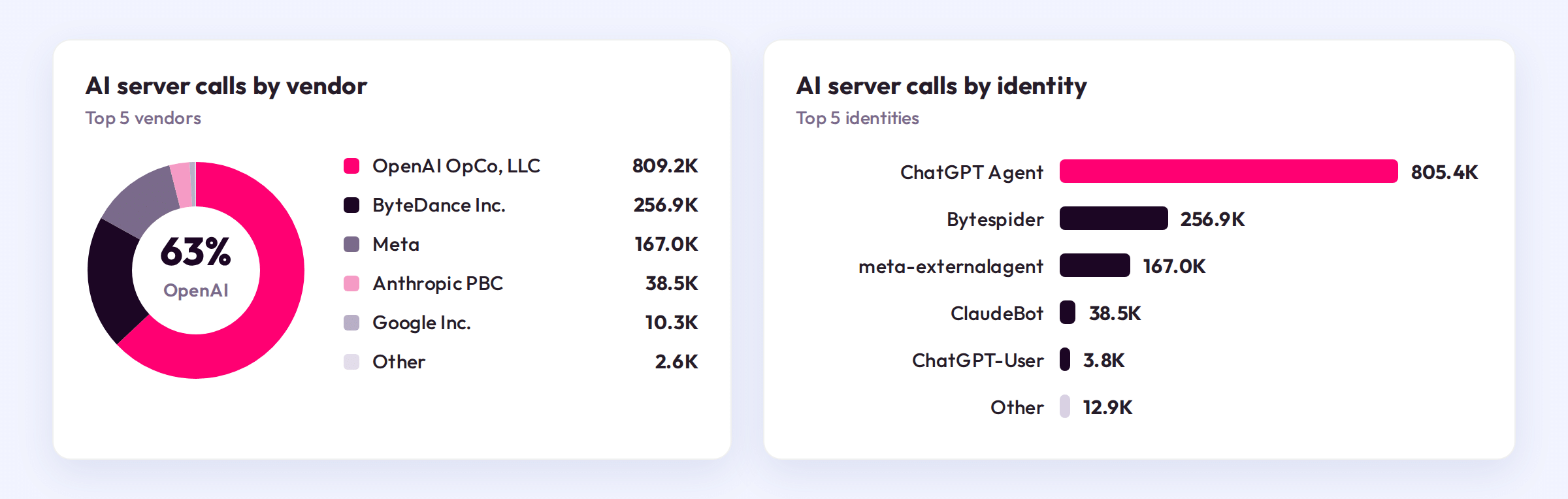
Every AI server call is attributed to a vendor and to a specific identity: the crawler, agent, or assistant that made it. Instead of “bots,” you see exactly which AI systems are reaching you.
Intent: See what it’s after
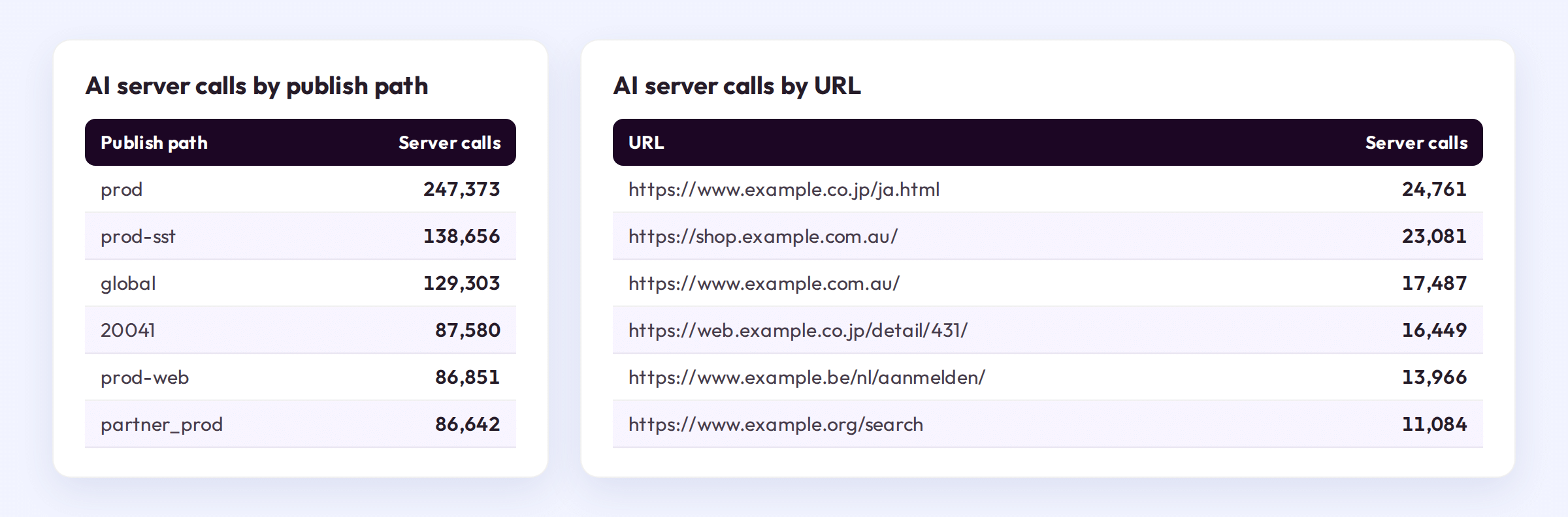
You can tell whether an AI system is training on your content or fetching it for a real user. Breakdowns by publish path and by URL show which properties and pages draw the most AI attention, so you get a page-level view of what AI systems actually value on your site.
Visibility comes first
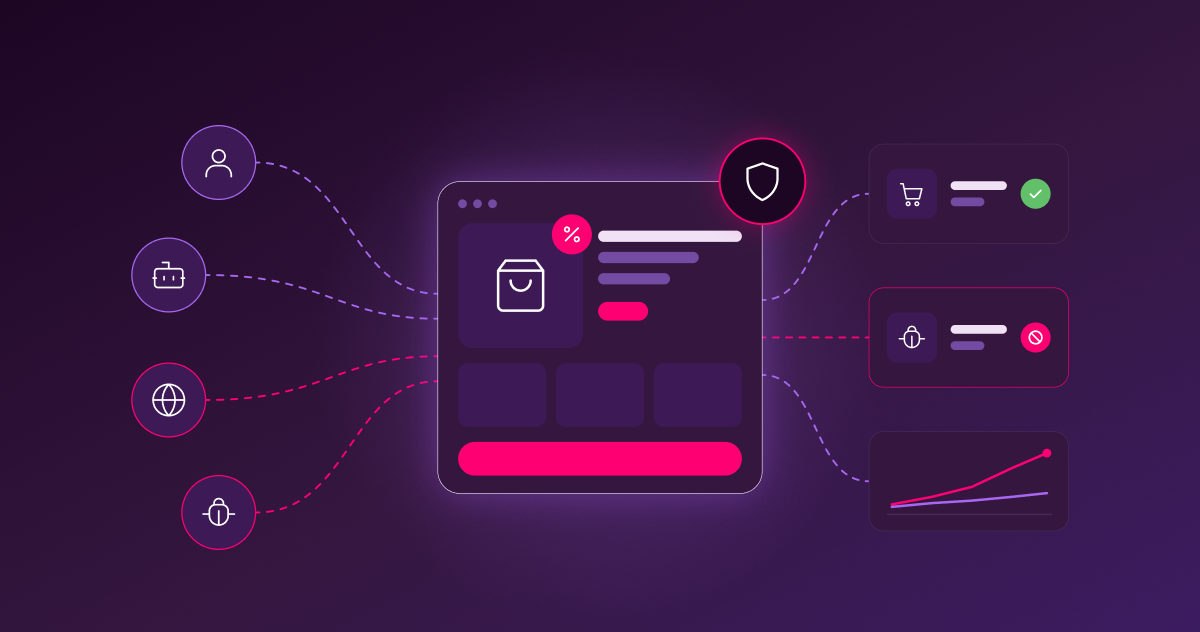
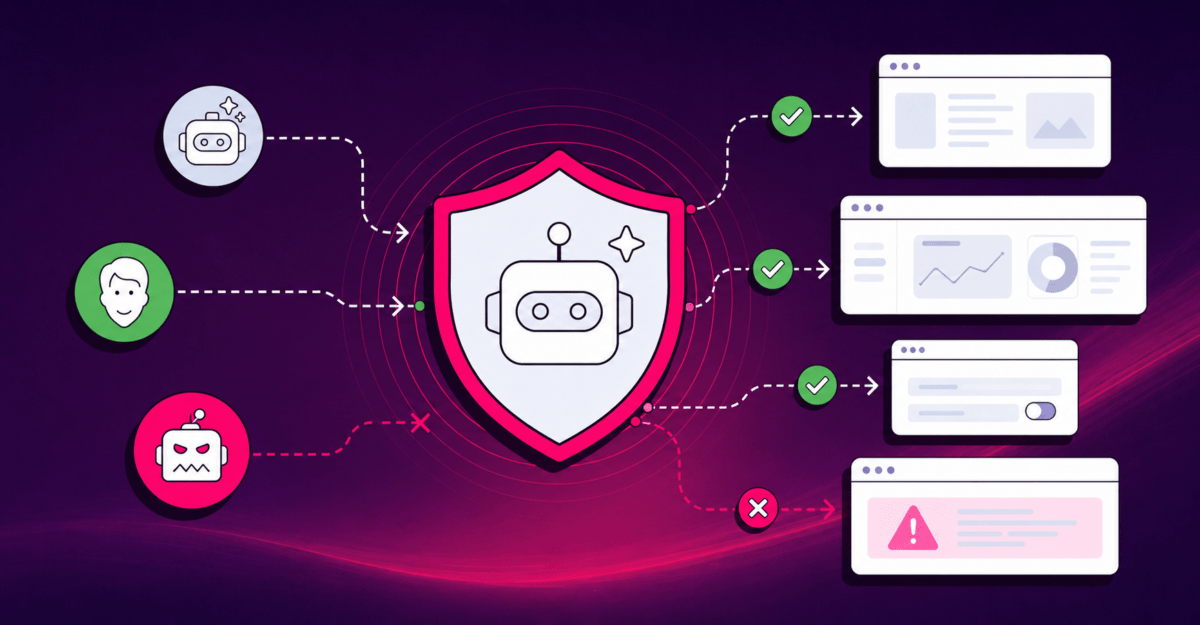
Manage already tells you whether the traffic reaching your properties is legitimate. The Traffic Quality report flags bots and invalid activity so you can trust your numbers. The AI Traffic Report sits right alongside it and answers a different question: not whether traffic is trustworthy, but who in the AI ecosystem is consuming your content.
That order matters. In the Human-AI era, every conversation about AI access, whether it’s what to allow, what to limit, or what to raise with a vendor, starts in the same place: knowing who is actually there. A guess isn’t a policy. Evidence is.
Getting started
The AI Traffic Report is available today in every CHEQ Manage account, at no additional cost. There’s nothing to set up.
- In CHEQ Manage, select Reporting in the left menu.
- Select AI Traffic. The report opens on the last 30 days.
- Use the date range and Publish Path filters to focus on a specific period or property.
- Review the Vendor and Identity panels to see the top five AI vendors and agents reaching your site.
- Select Export to download the full dataset, including everything beyond the top five.
Visibility is the starting point. Knowing which agents and crawlers reach your content, and how often, is what makes every decision about that access an informed one.
Want to learn more? Book a demo today.