What Cloudflare’s AI Bot Settings Do, and What They Still Can’t See
Becky Gundy
Bot & AI Agent Trust Management
August 10, 2026
In July 2026, Cloudflare replaced the blunt “block AI bots” switch with something better. Site owners can now manage three kinds of automated traffic separately: Search, Agent, and Training.
Akamai has landed in almost the same place, sorting AI traffic into training crawlers, search crawlers, and fetchers. Two of the biggest names at the edge, arriving at the same three categories independently.
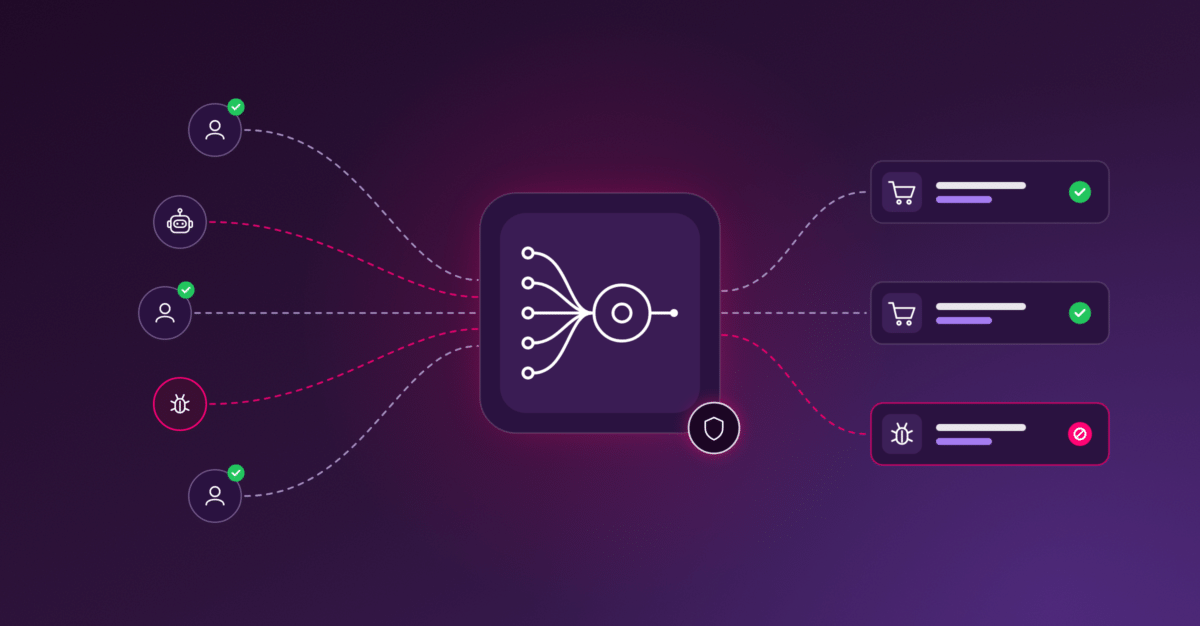
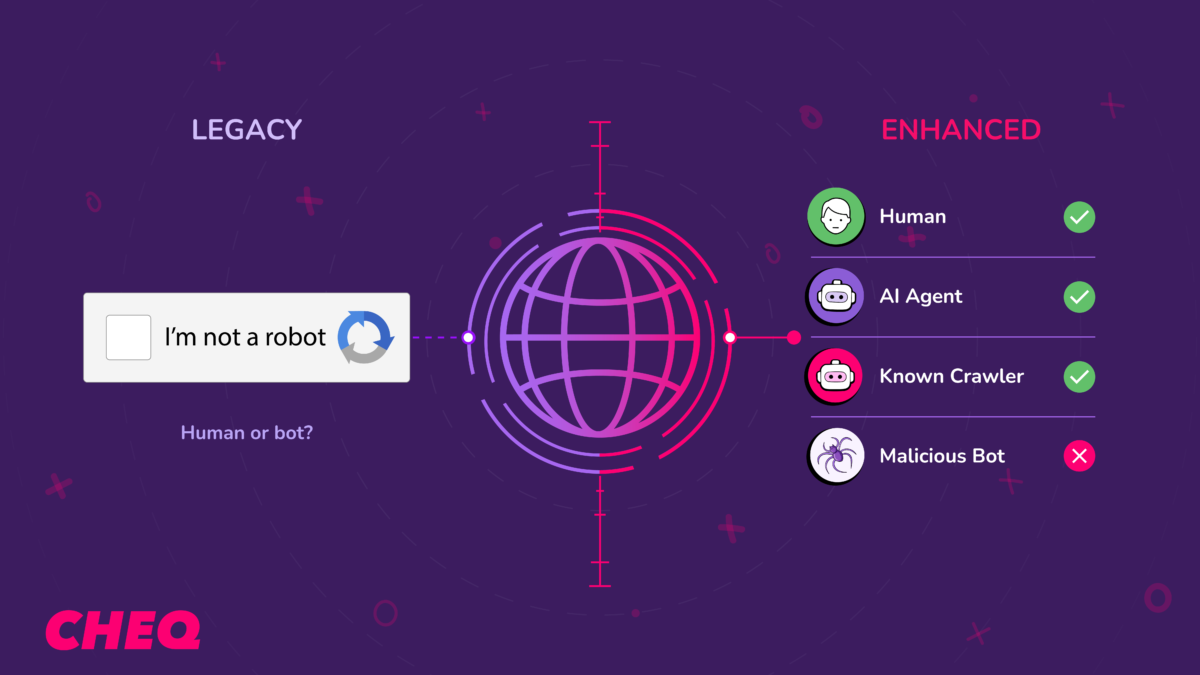
For years the question was “is this a bot, yes or no.” That was the right question, and it’s still one you need answered. It just doesn’t get you far enough anymore. “Yes, it’s a bot” now covers everything from a scraper lifting your pricing to a customer’s assistant trying to buy something from you.
But there’s a second question sitting behind the new one, and if nobody at your company answers it, these settings will quietly cost you money.
How the categories work
Cloudflare splits automated traffic by what the bot is doing:
- Search. It’s indexing your pages so it can answer questions about you later. This is the traffic that sends people back to you.
- Agent. It’s doing something right now, for a real person. A shopping assistant checking your prices. An AI browser opening your product page because a customer asked it to. Usually there’s a human waiting on the other end.
- Training. It’s collecting your content to train a model. Your pages go in, nothing comes back.
Akamai’s split runs along the same lines, with fetchers filling roughly the role Cloudflare gives to Agent.
For the bigger picture on the shift behind this traffic, see our explainer on the agentic web and how AI agents are changing the internet.
The current defaults
The controls are available to every Cloudflare customer, including the free tier. Two things are worth knowing about how they behave out of the box:
- From September 15, 2026, new domains joining Cloudflare get Training and Agent blocked by default on pages that show ads. Search stays allowed. Existing domains keep their current configuration.
- From the same date, crawlers that do more than one job are judged on all of their jobs. Googlebot, Applebot, and Bingbot crawl for search and for training, so a Training block catches all three unless you opt out in your Cloudflare security settings.
That second one deserves more attention than it gets. Plenty of publishers switched off Training a year or two ago for perfectly good reasons, and that setting now means something very different than it did the day they flipped it.
Why sorting by purpose was the right move
For thirty years the deal between crawlers and websites was simple. You crawl me, you send me visitors. Training crawlers broke that deal, taking content and sending nothing back, so blocking them made sense.
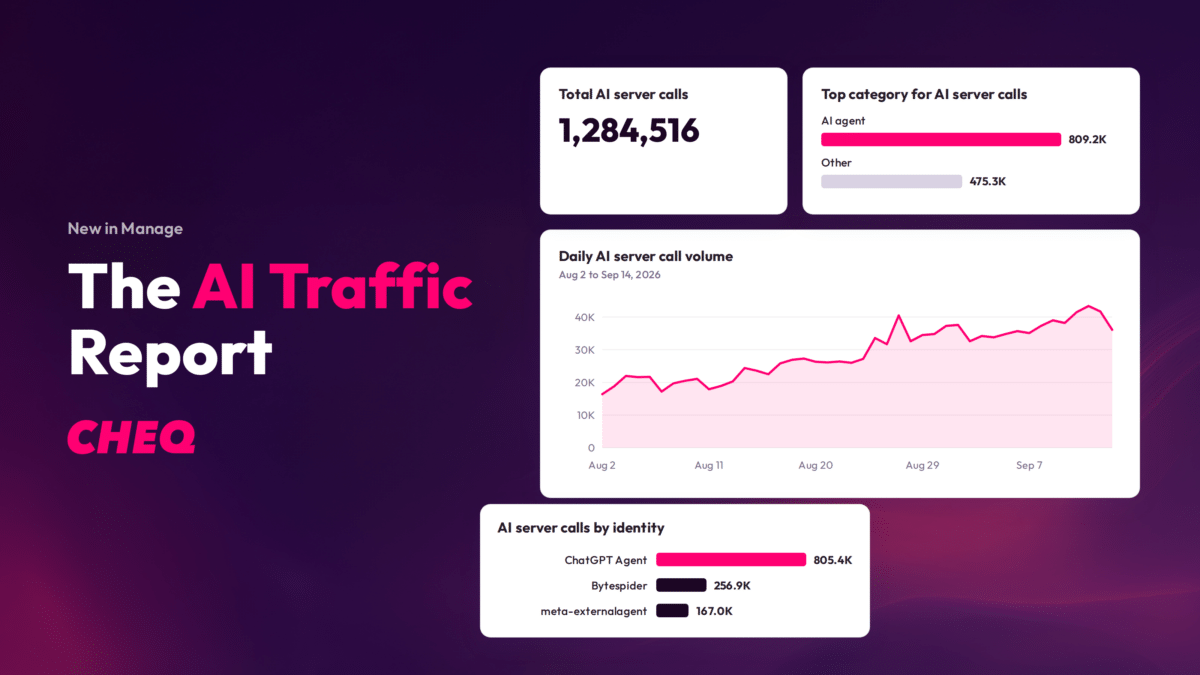
The problem was that the blunt version of that block treated all automation as the same thing, right as that stopped being true. Real revenue now arrives with no human at the keyboard. Adobe found AI-referred visitors to US retail sites converting about 31% better than average. Akamai reported AI bot traffic on its own network up more than 300% between 2025 and early 2026.
Akamai’s security team has gone further, writing publicly that blocking AI agents outright means opting out of how purchase decisions are increasingly being made. That’s a bot management vendor telling its own customers to be careful with the block button.
Sorting by purpose is what lets you block the traffic that gives nothing back without blocking the traffic that buys.
The part no edge product can solve
This isn’t a Cloudflare problem, and it isn’t an Akamai problem. It’s structural. It’s true of every firewall, CDN, and edge product on the market, ours included if we tried to work from that position.
Think about what a category actually is. Airport security screens what you’re carrying. Customs asks why you came and how long you’re staying. Both jobs are necessary, they’re different jobs, and no airport asks one officer to do both. Screening is fast and physical. Customs is slow and contextual.
The “Agent” label is screening. It tells you a piece of software is acting for a human in real time. It doesn’t tell you:
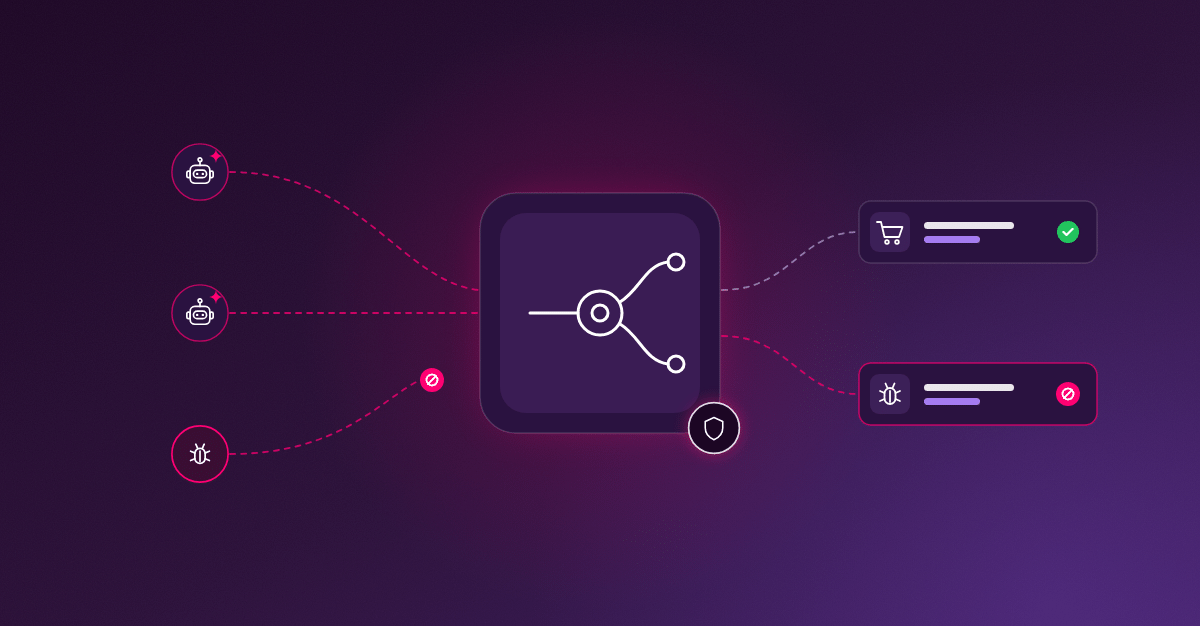
Whether it’s really who it says. Agents identify themselves in their request headers. A hostile bot can copy the headers of a well-known shopping assistant in an afternoon. Cloudflare is building reputation systems to make lying expensive, which genuinely helps, but a declaration is still a declaration. We’ve written more about that gap in Agent Trust vs. Agent Intent, and why verifying AI agents is only the start.
Why it showed up. A price-comparison agent, a scalper’s checkout bot, a competitor scraping your catalog, and a customer’s assistant buying a birthday gift can all be honest, well-behaved “Agents.” Same label. Very different afternoons for your business.
Whether it’s worth money to you. Nothing at the network edge knows which campaign brought that visit, what the visitor looked at, whether a cart got filled, or what a conversion is worth to you. The edge sees a request. It doesn’t see a customer.
None of that is a knock on the edge. It sits in front of everything and makes decisions in milliseconds using what’s visible from there: IP addresses, headers, request rates, fingerprints. Asking it to also read buyer intent is asking your front door to know why someone came over.
The same category can mean opposite things
We can show this instead of asserting it.
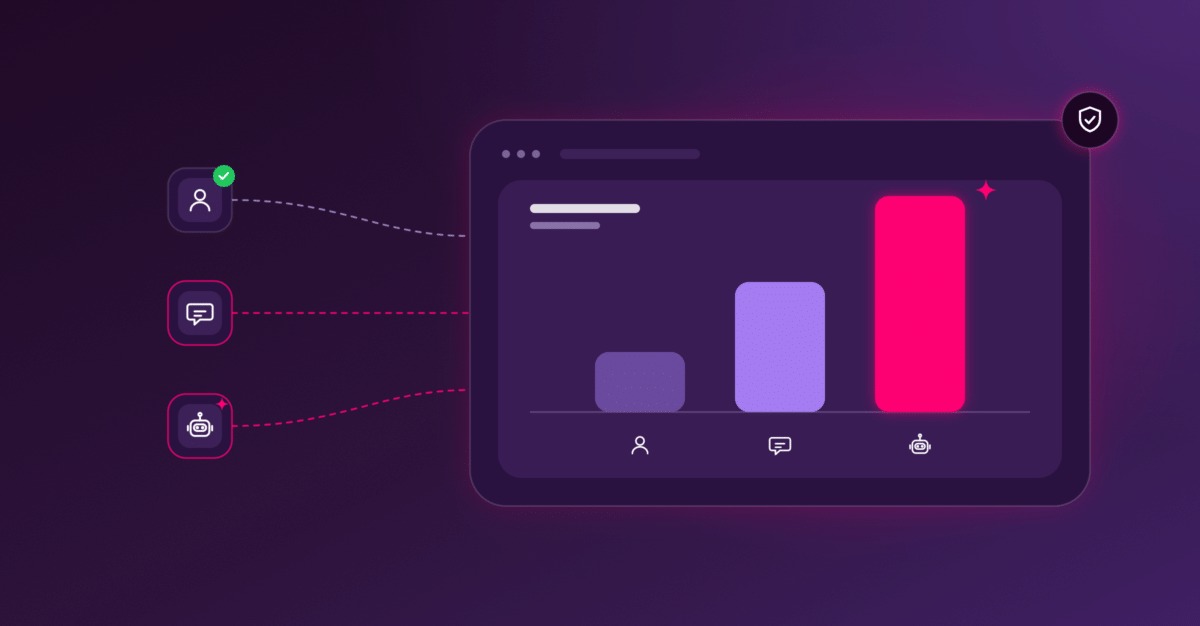
CHEQ classifies AI traffic by purpose across our network. Run those same three categories (Search, Agent, Training) across different operators and they stop behaving like categories at all. One major AI platform’s traffic is almost entirely model training. Another’s is overwhelmingly user-triggered, with a real person waiting on nearly every request. A rule written at the category level treats those two identically.
There’s a second thing in that data worth sitting with. Agent traffic, the kind with a live human attached, is growing faster than any other category, and it’s the part that converts. Which direction its share moves doesn’t change the problem. It changes how much the problem costs you.
That’s what blunt rules handle the worst. Blocking decisions get made by looking at volume, and volume is the one measure that ranks agent traffic last. The traffic most likely to convert has the weakest claim on your attention at exactly the moment someone is writing rules.
Those rules then outlive the conditions they were written for. A default-deny set one quarter keeps running the next, against a traffic mix that has changed underneath it. Nobody gets an alert when a rule starts costing more than it saves.
What it costs when this goes wrong
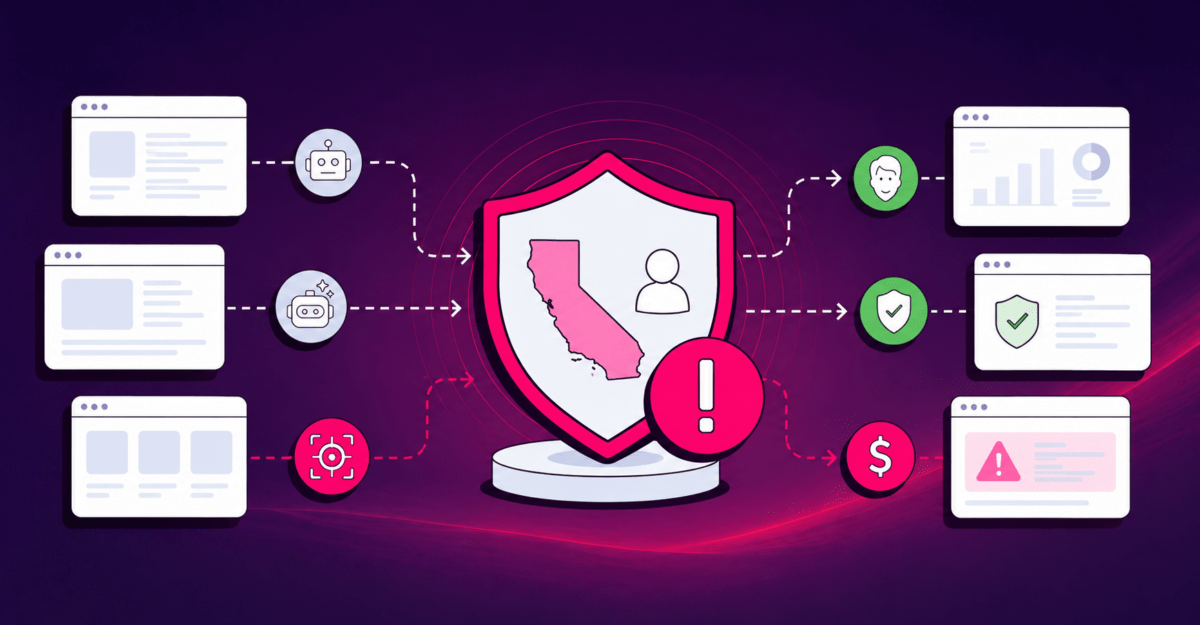
Blocking a bad bot and blocking a good customer feel identical from the inside. Both show up in your security dashboard as a threat stopped.
That risk is the subject of When a Travel Brand Blocks an AI Agent, Is It Also Blocking the Customer?
A false negative shows up as fraud. It gets a number, a report, and an owner. A false positive shows up as nothing at all. The over-blocked agent doesn’t file a support ticket or send an angry email. It just doesn’t convert, and the shortfall lands in a marketing report where somebody blames the campaign.
It compounds, too. The assistants your customers are starting to shop through learn which sites work and which ones fail them. Over-blocking this quarter is absence from the agentic channel next year.
How CHEQ makes your WAF better
We don’t need to replace your firewall. Whether you’re on Cloudflare, Akamai, or something else, nothing gets ripped out and nothing gets migrated. Your WAF isn’t wrong to block. It’s working with what it can see from where it sits, and we give it more to see. We’ve made the longer case for this in Beyond WAF: Why Context and Intent Are Essential in the Human-AI Web.
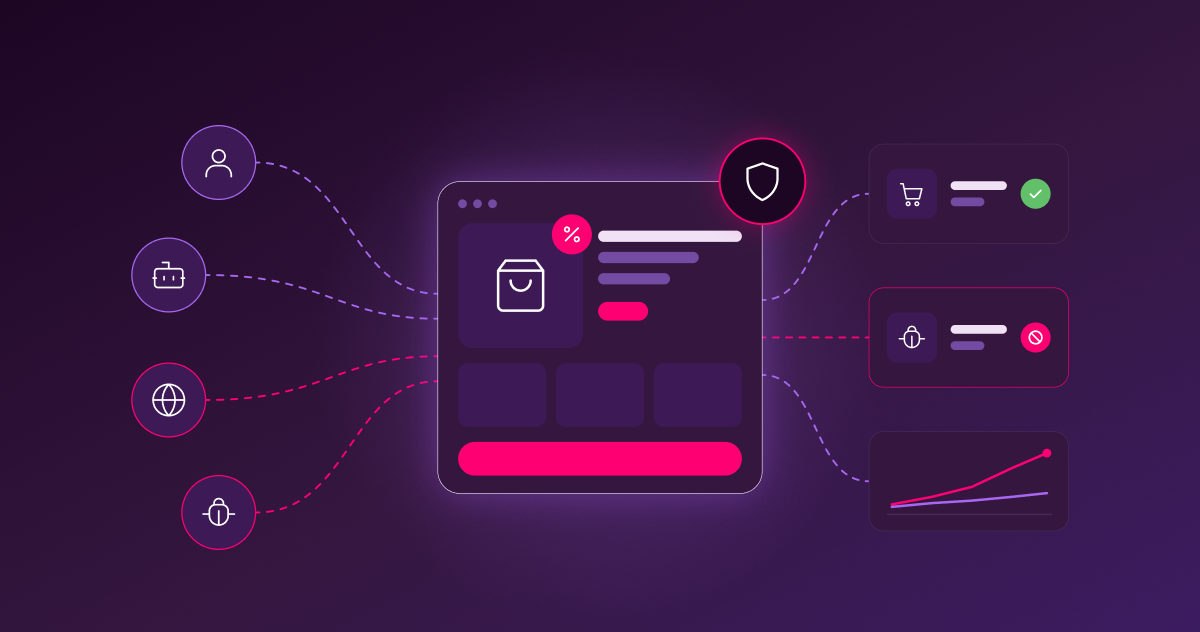
CHEQ runs as a first-party tag on the page, across the whole journey: ad click, landing page, product page, form, cart, checkout. From there, CHEQ Agent Intent, powered by our Traffic, Trust, and Identity Intelligence Engine, answers three questions on every interaction.
- What is it? Human, bot, or AI agent, down to the specific agent and framework.
- Is it who it claims to be? When an agent says it’s acting for one of your customers, we verify that instead of taking its word for it.
- Why is it here? To buy, to research, to scrape, to farm a promotion, or to commit fraud.
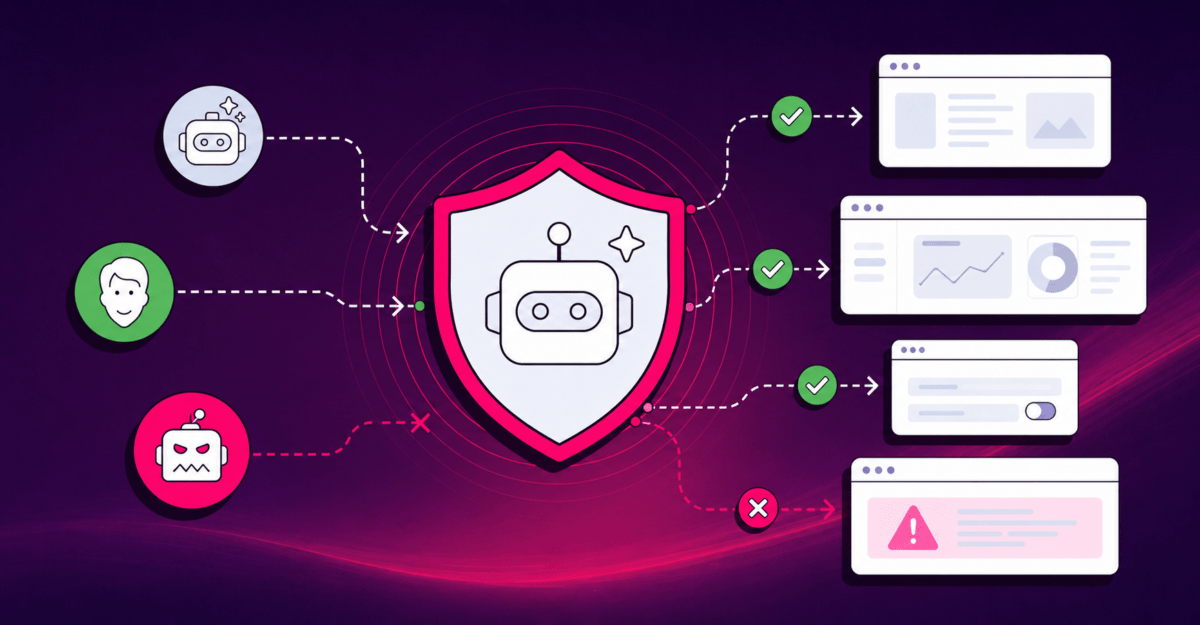
Then we hand that verdict to your edge. Verified humans and verified agents go on the allowlist. Hostile automation gets blocked, with evidence attached to the decision rather than a score nobody can audit.
The practical result is narrower rules. Security teams write broad default-deny rules because they’re covering for uncertainty, and when there’s less uncertainty to cover, the rules get to be specific. Your security team keeps the perimeter. Your growth team stops losing revenue it can’t see.
What to check in your settings
The first two take about ten minutes.
- Open your Cloudflare security settings and look at your Training setting. If Training is blocked, decide on purpose whether you want Googlebot, Applebot, and Bingbot caught up in it. If not, opt out.
- Check whether the pages carrying ads are pages you also want agents to reach. Product and content pages are often both.
- Ask whether anyone can tell you how much legitimate agent traffic you’re turning away right now. If the answer is no, that’s the gap.
- Ask who owns that number. Usually nobody does, which is exactly why it grows.
- Put a recurring review on your bot rules. Whatever you set today was written for the traffic mix you have today, and that mix moves every quarter.
- Get your security and growth teams reading the same report. Requests blocked and conversions protected are both real. Tracking only one of them is a decision, even when nobody made it deliberately.
As the control plane for the agentic web, CHEQ delivers bot and agent trust management: identifying every entity reaching your site, verifying whether it’s who it claims to be, and reading what it came to do. Trusted by more than 15,000 companies from the Fortune 50 to industry innovators.
Most teams can’t answer the question this post keeps circling back to: how much legitimate agent traffic are your rules turning away right now? We can show you, using your own traffic rather than a demo environment.
Request a demo, and we’ll walk through what’s reaching your site and what your current rules are sending away.